Freshness
Counts from the day you open the bag
Not the roast date — opening is when a coffee really starts to fade. Most bags drink best within 25–30 days of opening.
Your coffee companion · iPhone
A brewing notebook that learns your coffee, your grinder and your taste — and turns last night’s sour cup into tomorrow’s recipe.
iOSFreeWorks offlineNo account needed
 Pour over
 Espresso
 AeroPress
 French press
 Turkish coffee
 Cold brew
How it works
Three habits, repeated. Every bag, every brew and every rating feeds the next recipe.
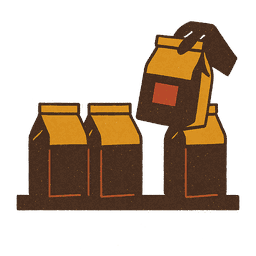
Scan the label and the roaster, origin, process, roast date and tasting notes come off the bag. Or type it in. Freshness starts counting the day you open it.
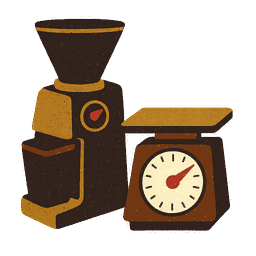
Pick a coffee, a method and what you’re after. Get a recipe built for your gear, with the grind in your grinder’s own clicks or dial — not a vague “medium-fine”.
Brew along to a guided timer, log how it tasted, and every version you keep is stored with the rating it earned.
Calibration
Tell Batch which grinder you own and the grind is quoted in its own units — clicks from zero on a Comandante, a number on a Fellow Ode’s dial. 22 grinders come calibrated, from hand grinders to flat burrs.
Log it, fix it
Rate the cup, move four sliders — sweetness, acidity, body, clarity — and say what was off. Batch turns it into a next version with the numbers already changed, not general advice.
How was the cup?
Sour usually means the water didn’t pull enough sweetness from the grounds. Slow it down and give it more contact.
What it does
Freshness
Not the roast date — opening is when a coffee really starts to fade. Most bags drink best within 25–30 days of opening.
The pour
A staged pour schedule with the weight to pour up to at each step. The screen stays awake while you brew.
History
Every version is kept with the rating it earned. Go back to any one and brew it again exactly as it was.
Yours alone
Your shelf, journal and recipes live on your phone. No account, no ads, no analytics, no tracking.
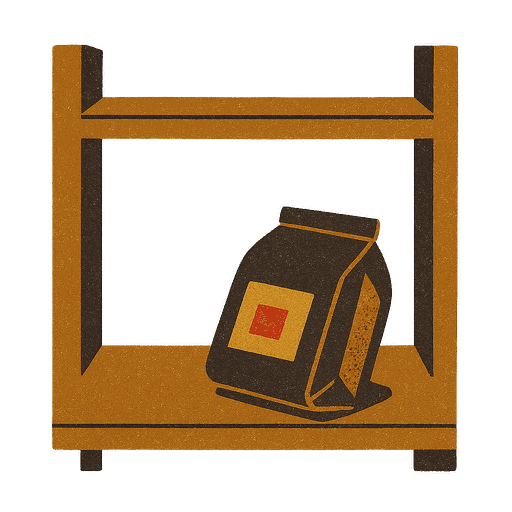
Label scan · optional
Roaster, origin, process, roast date and tasting notes fill themselves in — only after you allow it. The photo isn’t kept.
 Berry
 Citrus
 Floral
 Chocolate
 Stone fruit
Your own history
Add a new bag and Batch tells you how coffees from the same origin have gone for you before.
Recipes here are starting points, drawn from convention and from your own logged brews. Taste is the only thing that settles it.
Free, works offline, and an account is optional.
Available in English and Türkçe